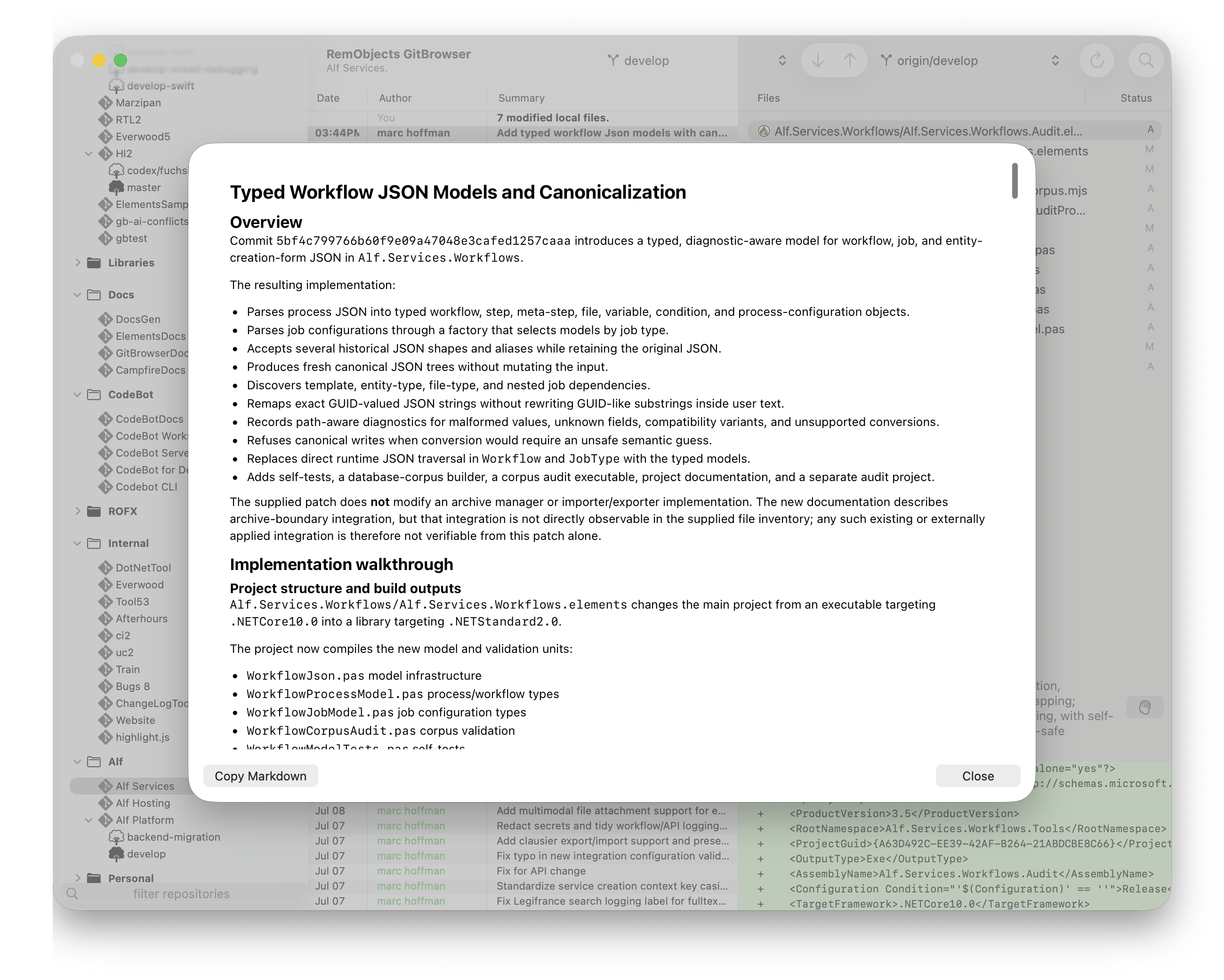
Explain Changes
CodeBot can help you get an overview of what a set of changes does and how it works, using the "Explain. Explain is available in many contexts.
- In the context menu and the summary of any previous commit in the Commits List (as shown below).
- In the CodeBot Action button menu action in the Local Changes view
- For any set in the Change Set Analysis sheet.
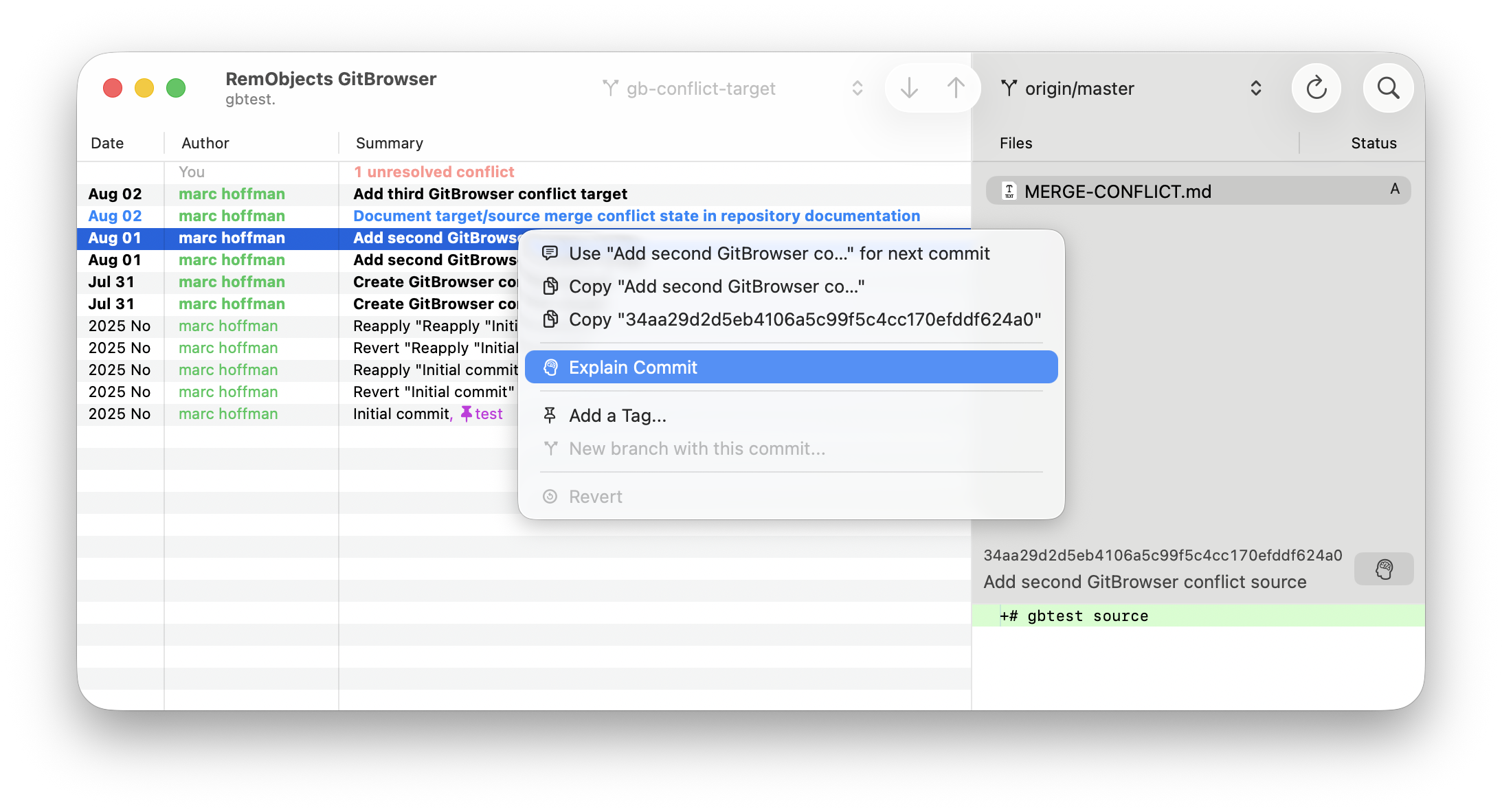
Choose "Explain ...", nd CodeBot will have a detailed look at the relevant files or diffs, and then provide you with a detailed summary: